Microsoft Word
Microsoft Word is Microsoft's word processor and part of Microsoft 365. This page explains who it suits and how to get it on Windows.
289.2 MB

Notion is productivity software for notes, documents, wikis and task lists, with a desktop app for Windows that syncs with the web and mobile.
Average 0.0 · ratings: 0
Thank you! Your rating is saved; you can change it. Could not save the rating. Please try again later. Too many ratings from your network today. Please try again tomorrow. The average appears after 5 ratings.
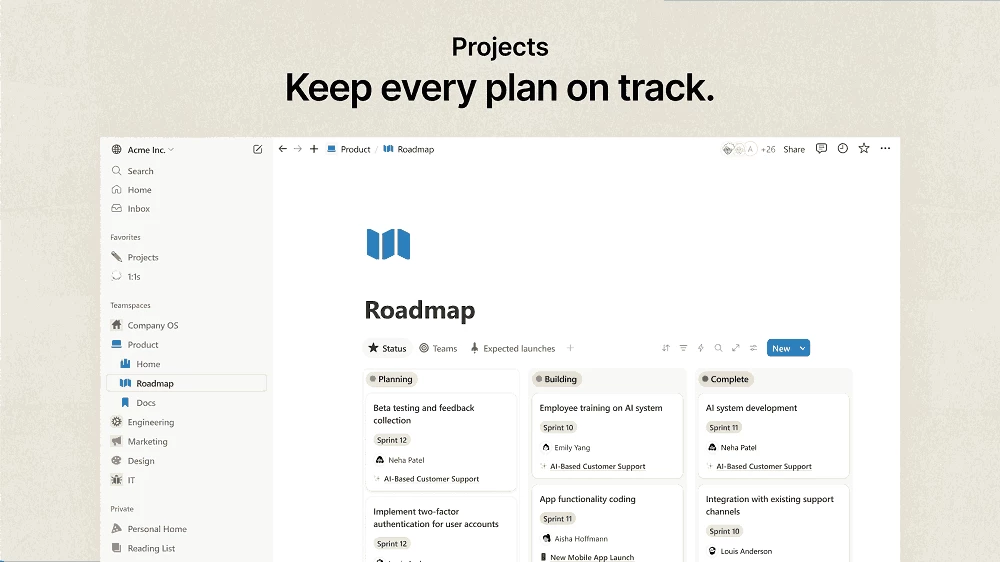
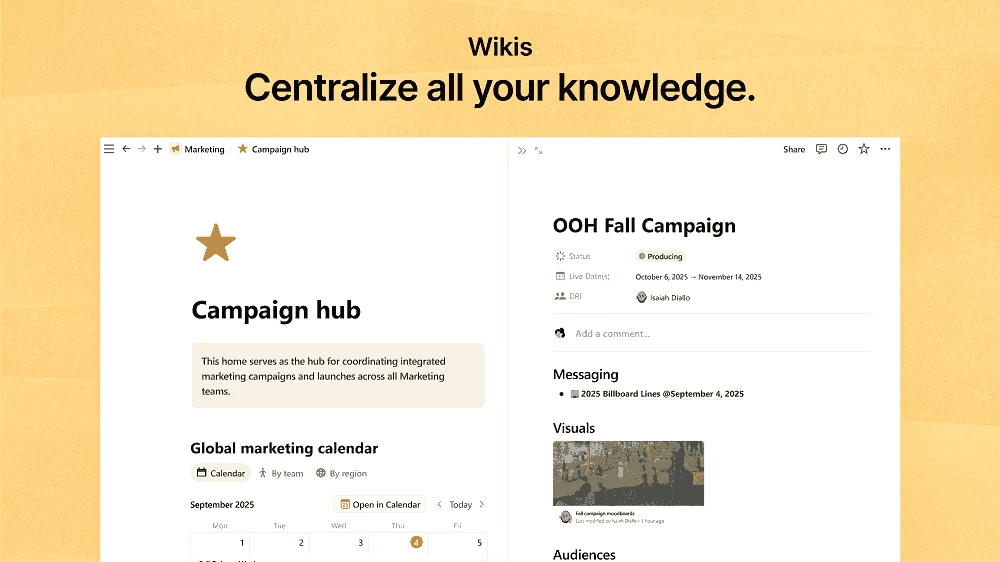
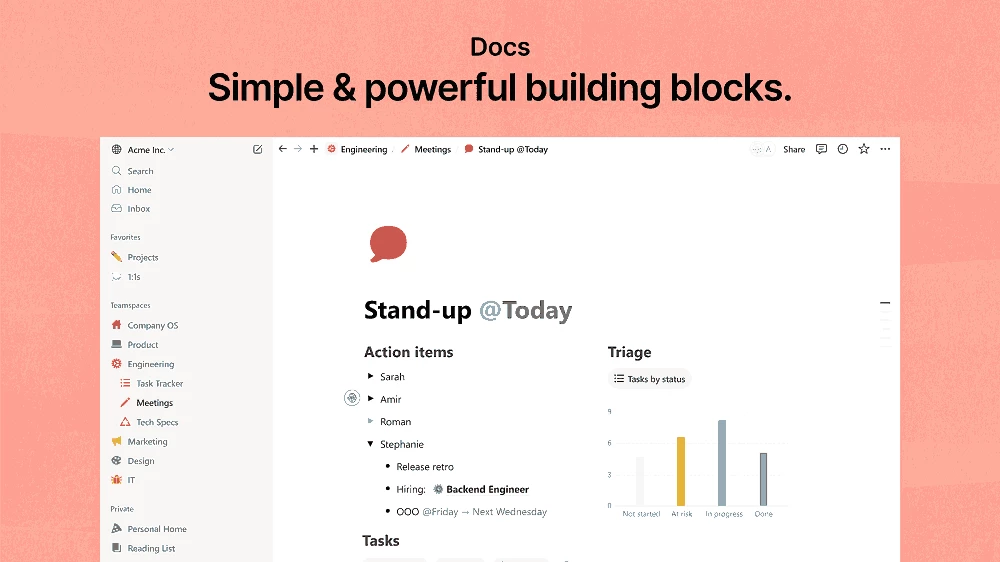
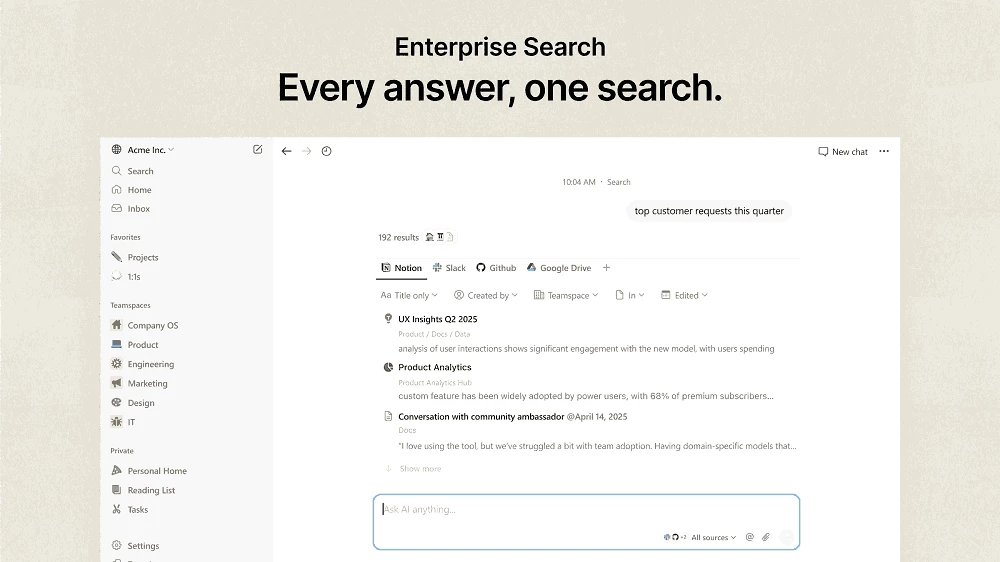
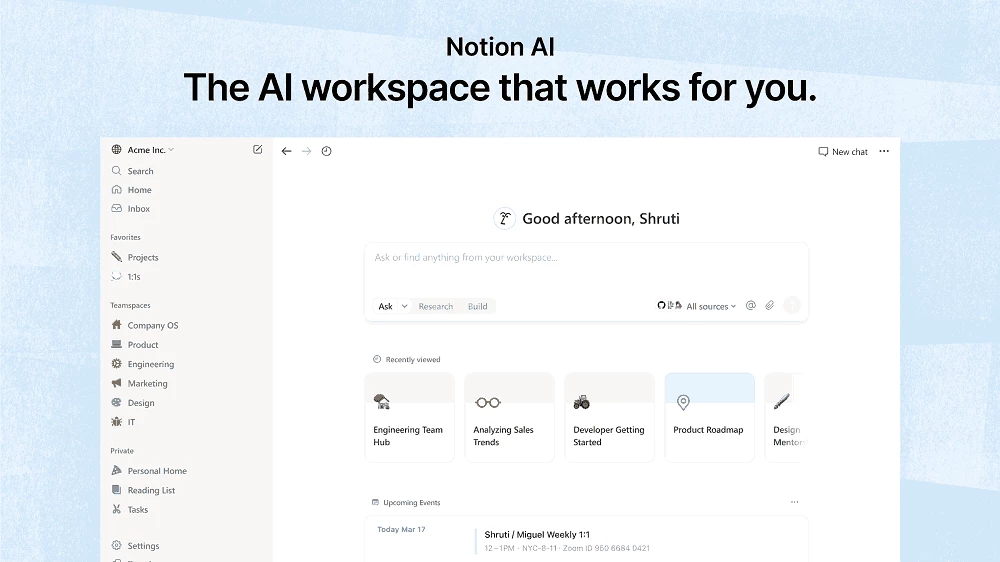
Notion 7.35.1 for Windows is the desktop app of Notion Labs' productivity software, and you can download it free from notion.com. It combines notes, documents, task lists and simple databases in one workspace and runs on Windows 10 version 21H2 or above.
| Program | Notion |
|---|---|
| Version | 7.35.1 |
| Developer | Notion Labs, Inc. |
| License | Freeware (proprietary), paid plans for teams |
| Windows support | Windows 10 version 21H2 or above, Windows Server 2016 |
| Other platforms | macOS 12 or above, Android 8 or above, iOS, web |
| First released | 2016 |
| Released | 22 September 2026 |
| Size | about 104.2 MB |
Wikidata describes Notion as productivity software, a hypertext system and a personal knowledge base, and in practice it is a flexible place to write and organise things. A page can be a simple note, a long document with headings and images, a checklist or a table that works like a small database. Pages link to each other and nest inside one another, so a personal wiki, a reading list or a travel plan grows naturally over time. Students keep lecture notes and assignment trackers there. Freelancers manage clients and projects. Teams build internal wikis, meeting notes and roadmaps that everyone edits together. The Windows app gives all of this its own window, keyboard shortcuts and notifications, and changes sync with the browser and mobile apps as soon as you are online.
According to Notion's system requirements page, the Windows app needs Windows 10 version 21H2 or above, or Windows Server 2016. The macOS app needs macOS 12 or above, and the Android app needs Android 8 or above.
Developers who use Notion's API can follow changes in the developer changelog.
Download the app only from notion.com. Shared pages are visible to anyone with the link if you publish them to the web, so check sharing settings before posting a page link publicly. For work accounts, enable two-step verification and review which integrations have access to your workspace.
Personal use is free. Paid plans add features for teams, larger file uploads and admin tools.
Microsoft Word, LibreOffice and WPS Office are classic document editors in the same office category, and Google Sheets suits people who mainly track data in tables.
Microsoft Word is Microsoft's word processor and part of Microsoft 365. This page explains who it suits and how to get it on Windows.

Microsoft Office 2010 is an office suite for Windows released in 2010; Microsoft ended its support on 13 October 2020 and recommends Microsoft 365.

Microsoft Office 2019 is a one-time purchase edition of Microsoft's office suite for Windows 10 and macOS, released in September 2018.

Adobe Reader XI (11) is an older version of Adobe's free PDF viewer for Windows; its support ended in October 2017 and Adobe Acrobat Reader is the successor.

Adobe Acrobat Reader is Adobe's free Windows application for opening, reading, printing and commenting on PDF documents.

iLovePDF Desktop is the Windows app of the iLovePDF service: merge, split, compress, convert and edit PDF files on your PC without uploading them.

Microsoft Excel is Microsoft's spreadsheet program for calculations, tables and data analysis. Build 16.0.19725.20152 is a current Windows release.

Microsoft Office 2007 is a Windows office suite released in 2007; its support ended on 10 October 2017, and Microsoft recommends Microsoft 365.